
How to Use a Lip Filler Simulator Before a Consultation
Use this to prepare for a consultation. It is not medical advice.
In short
A lip filler simulator helps you describe a change you like before a consultation. Use it to compare a restrained option with a fuller one and name what you prefer. LookPrep works from one front-facing photo, so it cannot show your side profile, movement or healing. A preview cannot choose a treatment or amount for you. Only a qualified provider who has seen your lips can decide what is suitable.
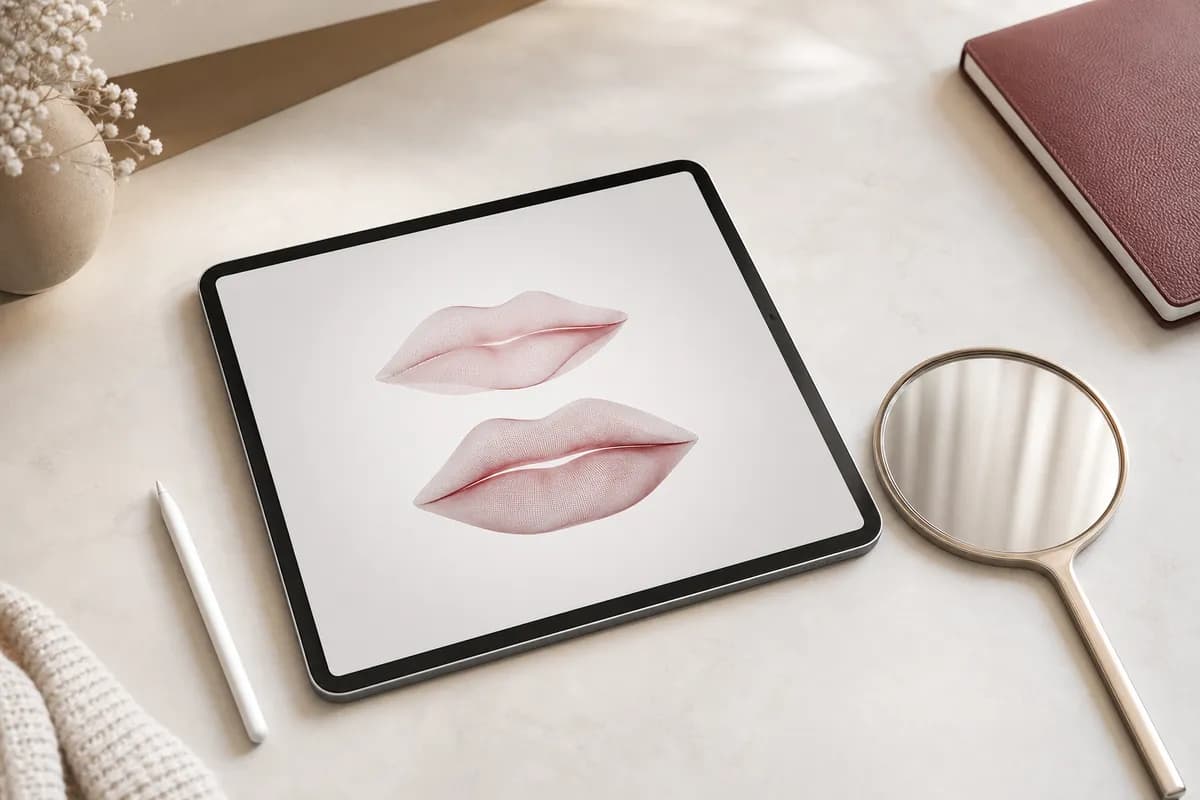
What can a lip filler simulator help you decide?
Start with a visual question: do you want a clearer upper-lip outline, more fullness, or a smaller change than the examples you have seen? Write the question down before generating an image. Otherwise, it is easy to keep changing the preview without learning what you actually want.
The useful output is a sentence you can explain, such as: I prefer this amount of visible fullness, but I want to keep the dip in my upper lip. A saved image gives that sentence context. It does not turn the image into an agreed clinical result. Try the lip filler simulator to compare different amounts on your photo or on stored demo faces.
A fuller option feels too large
- Useful note
- Keep the change smaller than this image.
- Question for the provider
- What would a restrained plan involve?
The upper-lip edge is clearer
- Useful note
- I like the outline more than the extra fullness.
- Question for the provider
- Can those goals be considered separately?
The front view looks balanced
- Useful note
- I still need to discuss the side view.
- Question for the provider
- How would this idea affect my profile?
Use the preview to name a preference, then turn it into a question.
| Preview observation | Useful note | Question for the provider |
|---|---|---|
| A fuller option feels too large | Keep the change smaller than this image. | What would a restrained plan involve? |
| The upper-lip edge is clearer | I like the outline more than the extra fullness. | Can those goals be considered separately? |
| The front view looks balanced | I still need to discuss the side view. | How would this idea affect my profile? |
Which photo should you use in a lip filler simulator?
Choose a clear, evenly lit, front-facing photo with your mouth relaxed and no beauty filter. Keep it as the original for all comparisons. Published photographic guidance recommends consistent camera position, light and presentation when comparing changes.
Do not use a reference image of someone else as if it were your own starting point. Before uploading, read the service's consent, storage and deletion information. Use only an image you have permission to upload.
Section sources: 3. A Proposal for Updated Standards of Photographic Documentation in Aesthetic Medicine (Plastic and Reconstructive Surgery – Global Open)
How should you compare lip filler previews?
Compare each option with the same original. Look at one feature first, then step back and judge the lower face as a whole. Write down both a preferred change and a limit, such as: fuller in the centre, but this larger option is too much for me.
Check that the image has not also changed your teeth, expression or unrelated facial features. If it has, discard that comparison. An attractive image is not useful evidence of your preference if several things changed at once.
- Keep the original visible.
- Name the feature you prefer.
- Save one option that shows your limit.
What can a lip filler simulator not show?
LookPrep uses one front-facing photo. It cannot show the side view, a smile in motion, the feel of your lips, or swelling and healing. The product and amount shown in a preview are illustration settings, not a recommendation for an injection.
The FDA says clinical results depend on tissue structure and filler type and volume. A photograph does not supply the examination needed to assess those factors. Never use a preview to judge a complication or decide whether treatment is safe.
Section sources: 1. Dermal Fillers (Soft Tissue Fillers) (U.S. Food and Drug Administration)
How do you take a lip filler preview to a consultation?
Bring the original, the preferred preview and a short note explaining the difference. Identify the preview as AI-generated. Ask the provider to mark which parts of the idea they would keep, change or advise against.
The AAD recommends discussing personal risks and whether filler is appropriate before treatment. Keep that conversation separate from choosing your favourite image. You can like a preview and still decide to wait or have no treatment.
Section sources: 2. Fillers: Preparation (American Academy of Dermatology)
Questions to take to a consultation
Bring these as written. A good provider will welcome them, and the answers tell you as much as the treatment does.
- 1.Which part of this preview would be difficult to achieve on my lips?
- 2.What would this front-view idea mean for my side profile?
- 3.Which feature should I use to judge whether the eventual change meets our agreed goal?
- 4.What would make you advise against treatment despite my preferred image?
Common questions
See the difference on your own photo
Compare the directions privately on your own face, then bring the preferences, not a promised outcome, to a qualified consultation.
Keep reading
- How to Take a Photo for a Lip Filler Preview
Take a clear photo for a lip filler preview: camera distance, lighting, relaxed lips, upload requirements, and checks before comparing AI-generated looks.
- How to Plan Subtle Lip Filler That Keeps Your Shape
Define a subtle lip filler goal through what you want to change and preserve, then compare references and agree a review point with your provider.
- Lip Filler Consultation Questions to Ask Before You Book
Prepare questions about your lip filler injector, product, goal, risks, cost and follow-up, with guidance from the FDA, NHS, ASPS and AAD.
- Natural Lip Filler Before and After: How to Read the Photos
Check the timing, camera and context of natural lip filler before-and-after photos before using a gallery to choose what to discuss with an injector.
Where this information comes from
Written by LookPrep Editorial · Published · Updated · How we write these guides
Last change: added link to the lip filler simulator tool page and clarified comparison workflow
This guide was checked against the sources below by our editorial team. It has not been reviewed by a clinician, and it is not a substitute for one.
- 1.Dermal Fillers (Soft Tissue Fillers) — U.S. Food and Drug Administration
- 2.Fillers: Preparation — American Academy of Dermatology
- 3.A Proposal for Updated Standards of Photographic Documentation in Aesthetic Medicine — Plastic and Reconstructive Surgery – Global Open
LookPrep is a visual planning tool, not a medical provider. It does not give medical advice, decide whether a treatment suits you, recommend a dose or product, or predict your result. A qualified healthcare professional should assess your health, anatomy, options, and risks in person.